What to look for
Why duplicates across groups are normal and expected.
What TeleBoost does automatically, so you do not have to.
Why overlap is a buying signal worth paying attention to.
What to watch for if you ever work outside a CRM.
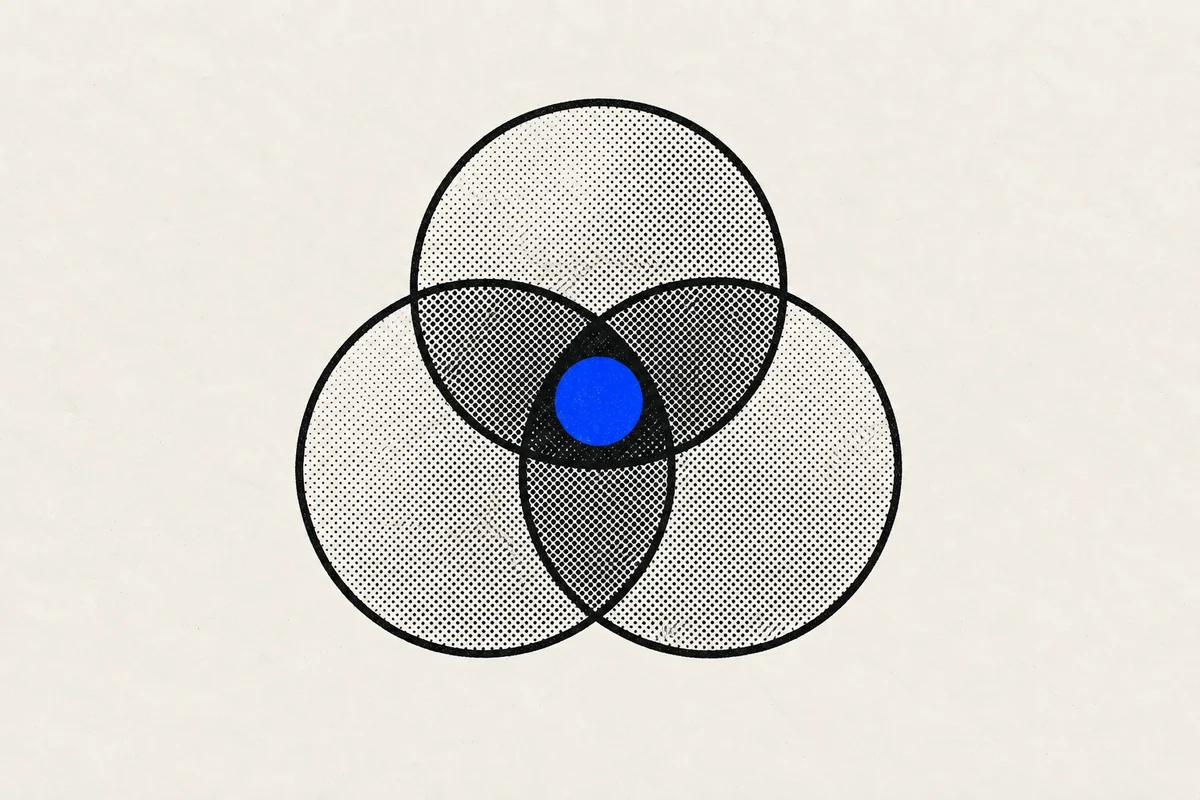
If you scrape three groups in the same niche, the same people will show up more than once. That is not a mess to clean up. It is a signal, and in TeleBoost it is handled for you.
This article explains what actually happens to those repeats, why merging on a username is a bad idea if you ever do this by hand, and how to read overlap as useful information instead of noise.
The simple rule
You do not have to remove them. When you scrape several groups in TeleBoost, anyone you have already scraped is recognized automatically and stays as a single contact: no spreadsheet, no cleanup step. And the overlap itself is worth knowing about: someone active in three of your target communities is usually a better lead than someone found in one.
What happens when you scrape the same person twice
Nothing you need to worry about. TeleBoost recognizes people by their Telegram ID, which never changes, so someone you scraped last week is recognized as the same person today. Instead of creating a second entry, the existing contact is updated with whatever is new: a changed username, a new profile photo, a more recent last-seen date.
The practical result: your lead count reflects real people, not rows. Scrape five overlapping groups and you get the number of humans you can actually contact, not an inflated total that collapses the moment you look closely.
You never trigger this. There is no cleanup button and no merge step to run. It happens as the scrape saves, every time.
Why overlap is worth paying attention to
Someone who is in one of your target groups might be there by accident. Someone in three of them almost certainly belongs to your market. That repetition is one of the cheapest qualification signals you get, and it costs you nothing to notice.
TeleBoost records which group each contact came from, so you can see where your best conversations originate. After a few campaigns, that tells you which communities to scrape next, and which ones to stop bothering with.
If you ever do this outside a CRM
Working from an export or a spreadsheet, the instinct is to remove duplicates on the username column. Avoid it: usernames change, plenty of accounts have none at all, and two different people can end up sharing a display name. You will silently merge strangers and lose contacts.
Match on the numeric Telegram ID instead: it is the only identifier that stays stable over time. This is the same rule TeleBoost applies internally, which is precisely why you do not have to think about it inside the product.
How we checked this guide
Overlap tells you where someone spends time, not what they want. Membership in three communities is a reason to prioritise a contact, never a reason to assume they are ready to buy, and the merged record still says nothing about whether contacting them is appropriate.
Try it on your next group
Duplicates across groups are not a data-quality problem to solve. They are a normal consequence of scraping a market properly, and a sign that you are looking in the right communities.
Inside TeleBoost there is no deduplication chore: one person stays one contact, with the sources that found them attached.
Keep one contact history without flattening sources: TeleBoost lead management connects lists, contacted state, campaigns, and replies inside personal or isolated team workspaces.
Keep learning