At some point, every team that sells, supports or recruits on Telegram has the same meeting. Telegram has become important. The conversations there are not tracked anywhere. Somebody proposes a Telegram CRM. And somebody else — rightly — asks: "Another tool? We already have a CRM, a help desk, a spreadsheet for the leads, Slack, Notion, the billing system and a dashboard nobody opens."
That objection deserves a serious answer, not a sales pitch. So here is ours, from a company that builds a Telegram CRM and therefore has an obvious stake in the answer: the question is not whether you add a tool. It is whether the tool you add reduces the number of places a Telegram conversation has to be reconstructed. If it does not, the sceptic in the meeting is right.
"Ten tools" is optimistic
The scale of the problem is bigger than most teams think.
Okta's Businesses at Work 2025 report, based on anonymised data from its customers, found that the average company now uses 101 applications — the first time the figure has passed one hundred. At enterprise scale it is far worse: MuleSoft's 2025 Connectivity Benchmark, a survey of 1,050 IT leaders, put the average at 897 applications per organisation, with only 29% of them connected to each other. Ninety percent of those leaders said data silos were creating business problems.
The human cost of those silos is measurable too. A 2022 Harvard Business Review study of 137 people across three Fortune 500 companies found they switched between applications and websites around 1,200 times a day, losing just under four hours a week reorienting themselves after each switch.
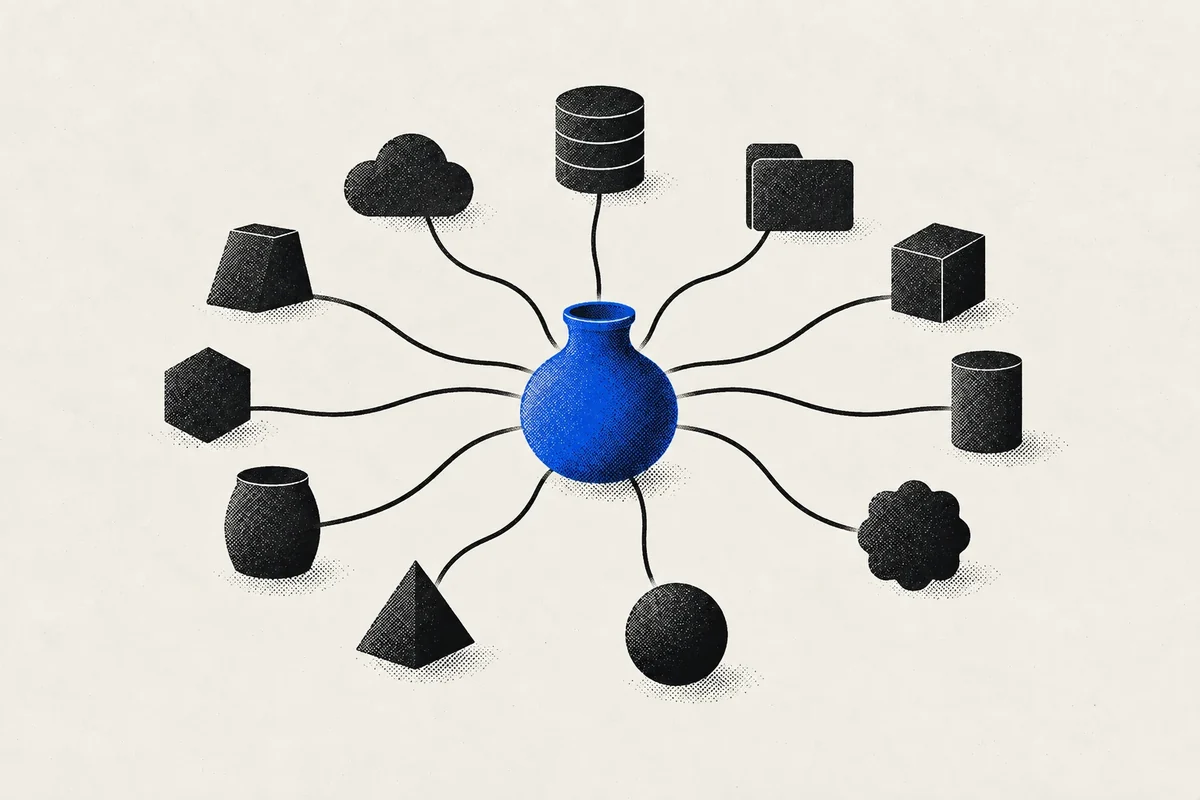
So the fear in the meeting is legitimate. The wrong Telegram CRM becomes app number 102, one more place to check and one more silo. The right one replaces several of the places a Telegram conversation currently lives — the lead spreadsheet, the scripts document, the "who replied?" chat, the Friday report — and sends only what matters to the tools that stay.
Step 1: Decide where each thing lives
The most useful thing you can do before looking at any vendor is to write down, for each type of information, which system is the system of record: the one place where the truth lives, and which every other tool copies from.
| Information | Typical system of record | What the Telegram CRM should do with it |
|---|---|---|
| Telegram conversations | The Telegram CRM | Own it. Nothing else can hold it properly |
| Telegram-sourced leads and their history | The Telegram CRM | Own it, and push qualified ones out |
| Company accounts and multi-channel deals | Your main CRM | Receive key events (a qualified lead, an outcome) via webhook or API |
| Invoices and payments | Billing system | Record the outcome, not the invoice |
| Internal discussion | Slack, Teams or similar | Send notifications, not conversations |
The rule that falls out of this table: sync events, not everything. Two-way synchronisation of every field between two CRMs sounds attractive and produces conflicts, duplicates and a weekly debate about which record is correct. One-way flows of meaningful events — "this lead qualified", "this deal closed", "this person withdrew consent" — are boring, reliable and enough for almost every team.
Step 2: Check what the tool actually connects to on Telegram
This is the question that eliminates the most options, and it is surprisingly technical. Telegram offers two kinds of integration. The Bot API connects a separate bot account; Telegram's own documentation is clear that bots cannot start conversations with users — a person has to message the bot first or add it to a group. The client API, MTProto, is what the official Telegram apps use, and it works with your actual account: your existing chats, your groups, your ability to message first.
Most multi-channel CRMs and help desks connect Telegram through a bot. That is perfectly adequate for inbound support through a bot. It cannot touch the conversations your team already has in their own accounts, and it cannot do outreach. We compared the major platforms' documented setups in this analysis of native versus multi-channel CRMs. For a buying decision, the question to ask is simple: does this tool work with our real Telegram accounts, or with a bot we would have to create?
Step 3: Look at the integration surface, not the logo grid
An integrations page full of logos tells you which partnerships a vendor signed. It does not tell you whether you can build the flow you actually need. Three things matter more.
A documented API with scoped access
You want to be able to read and write contacts, conversations and outcomes from your own systems, with credentials that give each integration only what it needs. In TeleBoost, the public API accepts API keys and OAuth 2.1 tokens under a single scope model, so a reporting integration can read without being able to send, and access can be revoked without touching anything else.
Signed webhooks for the events that matter
Webhooks are how the Telegram CRM tells your other tools that something happened, without them having to ask. The list of events is the real test of whether a tool fits your stack. TeleBoost emits events such as a received message, a created or updated contact, a pipeline stage change, an outcome recorded or reversed, a consent change, a tracked link opened, a ticket created and a connected account changing status, each signed with HMAC SHA-256 so the receiving system can verify it really came from us. Our webhook security guide covers how to verify them properly.
An AI connection, if your team works that way
Increasingly, the "tool" someone uses to check on Telegram activity is an AI assistant. TeleBoost runs an MCP server with more than sixty tools, so Claude or ChatGPT can search contacts, build segments, move a contact through a pipeline or record an outcome — with the same scoped, revocable access as the API. It does not replace the integration to your main CRM; it removes a lot of the reasons people would otherwise open the app.
For TeleBoost specifically: the API, webhooks and MCP server are part of the Pro and Business plans. If your plan for Telegram is to keep everything inside TeleBoost, you do not need them. If Telegram is one channel among several, they are the reason the tool fits instead of adding a silo.
Step 4: Count the handoffs, not the features
Every time information moves from one tool to another by hand, three things can happen: it arrives late, it arrives wrong, or it does not arrive at all. In Telegram outreach, the classic handoffs are:
- from the scraping tool to the spreadsheet;
- from the spreadsheet to the sending tool;
- from Telegram to whoever should answer the reply;
- from the conversation to the main CRM when a deal appears;
- from everywhere to the weekly report.
Take your current process and count them. Then, for each tool you evaluate, count how many of them disappear and how many become automated flows instead of copy-paste. This is the most honest comparison you can make, because it measures the thing the sceptic in the meeting is actually worried about.
It is also where an all-in-one Telegram tool earns its place. When sourcing, campaigns, the inbox, the pipeline and reporting live in the same workspace, the first four handoffs stop existing. What remains is one clean flow out to your main CRM.
Step 5: Ask the questions vendors prefer you did not
Use this list with every vendor you evaluate. It works just as well on us.
| Question | Why it matters |
|---|---|
| Does it connect to our real accounts or to a bot? | Decides whether existing conversations and outreach are possible at all |
| Which events can it push out, and are webhooks signed? | Decides whether it fits your stack or sits beside it |
| Can each integration get a limited scope, and be revoked on its own? | Decides what a leaked credential can do |
| How do we get all our data out, and in what format? | Decides whether leaving later is a project or a nightmare |
| What happens to personal conversations on a connected account? | Decides whether your team will actually connect their accounts |
| How are sessions stored and protected? | A Telegram session is the key to an account. See our security audit guide |
| What is included in which plan, and what is charged per seat? | Decides the real cost once the whole team uses it |
When you should not buy a Telegram CRM
A buying guide that always concludes "buy" is an advertisement. So, plainly: there are situations where a dedicated Telegram tool is the wrong choice.
- Telegram is a small, inbound-only support channel. If a few customers a week message a bot, your existing help desk's Telegram connector is probably enough.
- Nobody owns Telegram. A tool does not create a process. If no one is responsible for the channel, start by naming an owner.
- You need one CRM for every channel, and Telegram is marginal. A multi-channel suite with a bot connection may serve you better, as long as you accept the limits of the bot model.
On the other hand, if your team prospects on Telegram, has conversations in its own accounts, runs campaigns or manages communities there, a bot connection will not cover it, and the question becomes which native tool fits your stack best.
A two-week evaluation plan
- Days 1–2: write your system-of-record table and count your current handoffs.
- Days 3–5: connect one real account and run one real workflow end to end — from sourcing to a reply to a recorded outcome.
- Days 6–8: set up the one flow out that matters most, usually "qualified lead" or "outcome recorded" to your main CRM, and check it arrives correctly.
- Days 9–12: have two team members use it for their actual work, not a demo.
- Days 13–14: count the handoffs again. That number is your answer.
TeleBoost is built to be the Telegram part of your stack, not another silo: it works with your real accounts, keeps sourcing, campaigns, inbox, pipeline and reporting in one workspace, and sends what matters out through a scoped API, signed webhooks and an MCP server. See the API, webhooks and MCP, or read how to design the sync with your main CRM.