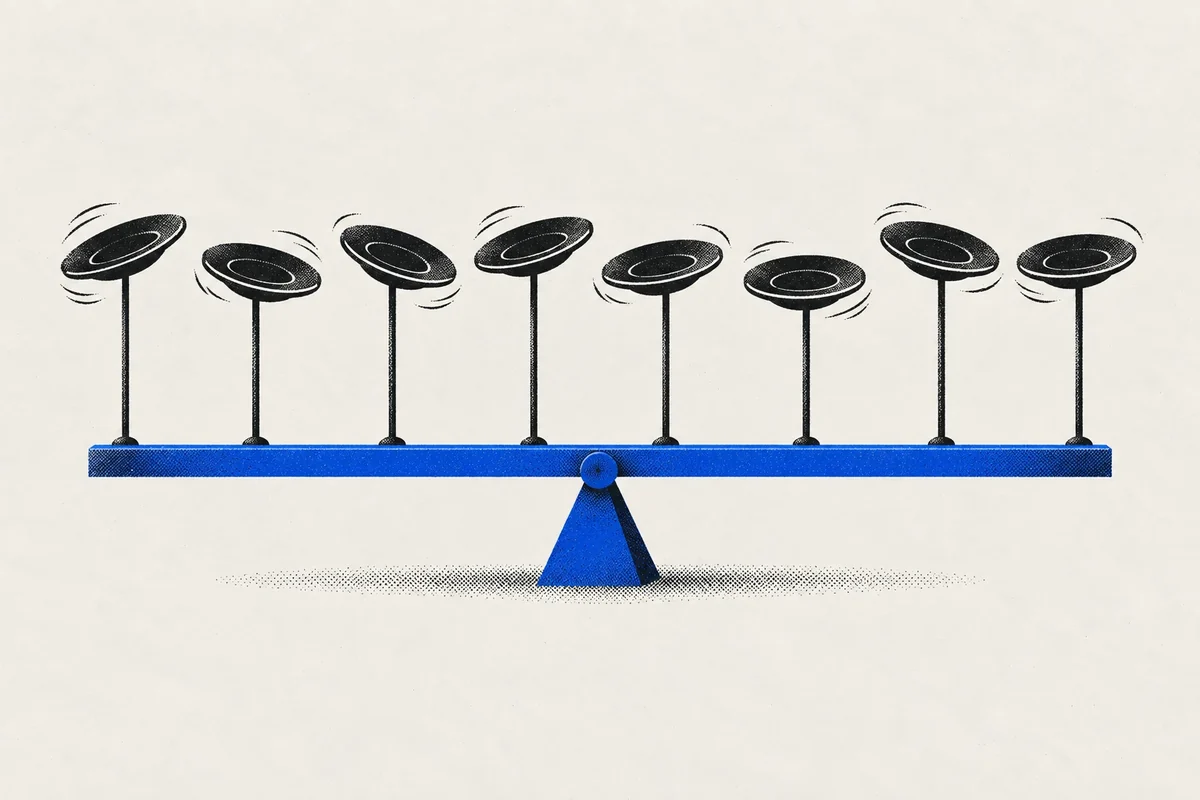
Running one Telegram group is a job. Running eight is a different job, and most people doing it only find that out after the fact.
It usually happens gradually. The main community gets big, so you open a group for announcements discussion, then one for each language, then a private one for your best members, then a partners chat, then a group per region because the time zones never lined up. Each decision made sense. Together, they produced a situation where you are the only person who knows how all the pieces fit, and your working day is spent switching between them.
This guide is about that second job. Not moderation inside a group — Telegram handles a lot of that well — but managing the portfolio: the rhythm of each group, the people who appear in several of them, and the things that start in a group chat and need to finish somewhere more reliable.
The benchmarks were not written for you
The most widely cited source on community work is the CMX Community Industry Trends Report. Its 2025 edition surveyed 589 community professionals between May and June 2025, and a few of its findings describe the multi-group reality painfully well:
- 17% of respondents have nobody working full time on community, up from 8% in 2022 and 4% in 2021.
- Around 30% are solo practitioners, and the most common team size is two to five people.
- Among communities of 1,000 to 9,999 members, 60% run with two to four moderators. A third of communities with over 100,000 members have just two to four.
- Teams whose community data is connected to their CRM were more than twice as likely to rate their impact as "extremely successful".
Now the detail that matters most for this article: in the report's list of platforms communities run on, Telegram does not appear by name. Slack, WhatsApp, Discord, Facebook groups and Discourse do. For a channel with more than a billion monthly users, that is a remarkable blind spot, and it has a practical consequence. Most community playbooks assume one space with threads, roles and a search bar. A Telegram community is usually several separate groups, and the playbooks do not say what to do about that.
What Telegram already does well — per group
Before adding anything, it is worth being precise about what Telegram gives you natively, because it is a lot, and none of it should be replaced:
- Scale. A supergroup can hold up to 200,000 members, and larger ones can be converted into broadcast-style gigagroups.
- Pacing. Slow mode limits how often each member can post, which calms busy groups without muting anyone.
- Structure. Topics turn a large group into something closer to a forum, with separate threads for separate subjects.
- Spam protection. Telegram's native anti-spam system can be switched on for larger supergroups and deletes spam automatically, with an "aggressive" mode for groups that need it.
- Permissions. Granular admin rights, custom admin titles, and restrictions on what new members can post.
Every one of these works inside one group. None of them helps with the questions that appear once you run several: who is active across all my groups, which issues keep coming up everywhere, which group is quietly dying, and who promised to get back to whom.
A clear line, stated up front: moderation — removing spam, banning members, enforcing rules inside a group — belongs to Telegram's admin tools and your moderation bots. The layer this article is about sits on top: the relationships, the rhythm and the follow-up across groups. Mixing the two is how community tools become bloated.
Step 1: Map your portfolio
You cannot manage what you have not written down. The first exercise takes an hour, and most community managers are surprised by the result: a simple table with one row per group.
| Column | What to write | Why it matters |
|---|---|---|
| Purpose | One sentence: what this group is for, and what it is not for | Groups without a purpose drift into duplicates of each other |
| Audience | Who is supposed to be here: language, region, level, customers or not | Decides the tone of everything you post |
| Rhythm | How often you post, and how often members do | A daily cadence in a weekly group reads as spam |
| Owner | The one person accountable for the group | "Everyone" owning a group means no one does |
| Health signal | The one number you check: active posters, questions answered, new joiners | Tells you when a group is dying before it is empty |
Two things usually come out of this exercise. First, at least one group has no clear purpose anymore and should be merged or archived. Second, the rhythms are all over the place, because nobody ever decided them.
Step 2: Give each group its own rhythm
The most common mistake in multi-group communities is posting the same message, at the same time, in every group. It is efficient. It also teaches members of every group that your posts are broadcasts, not participation, and moderators of groups you do not own notice fast.
A fast-moving trading chat can hear from you daily. A niche technical group might tolerate one post a week. A regional group needs posts in its language, at hours when its members are awake. The rhythm is part of the message.
In TeleBoost, group campaigns are built around that idea. One campaign runs across all the groups you select, but each group has its own posting frequency. The sending account rotates through the list instead of posting to every group at once, flood limits are respected, and a problem in one group — a removal, a mute, a deleted chat — is recorded against that group alone while the campaign continues everywhere else. The AI assistant can draft a version of the message for each group in the tone and language you choose, so the regional group gets a message written for it rather than translated at it.
Scheduling is not a strategy. A tool that posts on time in thirty groups will make a good community presence efficient and a bad one efficiently worse. If a group does not want your posts, no pacing will fix that. Earn the right to post in each group before you schedule anything in it.
Step 3: Know your members across groups
This is the part Telegram cannot give you, and the part that changes the job most once you have it.
In a multi-group community, the same people appear in several places. Your most valuable members are often exactly those: the person who answers newcomers in the main group, helps in the technical group and gives feedback in the beta group. Inside Telegram, they are three separate membership lines. In practice, they are your community's backbone, and they deserve to be treated as one person.
TeleBoost keeps one record per person with every group they were found in, not just the latest one. That makes a few very useful questions answerable:
- Who is present in three or more of my groups? Those are your potential champions.
- Who joined recently and has not been welcomed personally yet?
- Who used to be active across several groups and has gone quiet?
Save each of those as a live segment and they become standing lists that update themselves. The Community onboarding pipeline preset gives you a starting structure — Joined, Welcomed, Engaged, Contributor, Inactive — which you can rename and reshape to match how your community actually works. The labels are yours; behind them, each stage stays mapped to a standard category, so your reports keep meaning the same thing after you rename it.
The CMX finding about CRM-connected community data is worth coming back to here. The point is not that a CRM makes a community better. It is that knowing who your members are, across every space they use, is what lets you prove the community's impact to the rest of the business — and that proof is what keeps community teams funded.
Step 4: Escalate what should not stay in a group
Group chats are brilliant for discussion and terrible for commitments. A bug report posted at midnight, a partnership question from a member, a complaint that needs a private answer: in a busy group, each of these scrolls away within an hour, and "someone will handle it" becomes nobody did.
The fix is a clear escalation path, agreed in advance:
| What appears in the group | Where it goes | What it needs |
|---|---|---|
| A question others can answer | Stays in the group | Nothing. This is the community working |
| A personal or account-specific problem | Private conversation | A short public reply saying you have moved it to private |
| A bug report or a request that takes days | A ticket | An owner, a status and a response target |
| A partnership or sales enquiry | The pipeline | A stage and a next step, not a mental note |
TeleBoost's unified inbox brings your group chats and private conversations from every connected account into one place, so moving a discussion from a group to a private chat does not mean switching apps. Any conversation can become a ticket linked to the contact's record, with an owner, a status and a response-time target. And a reminder can be set on anyone, so "I'll get back to you on Friday" becomes something that actually happens on Friday.
Step 5: A weekly routine for the whole portfolio
Daily community work is reactive by nature. The weekly review is where you manage the portfolio instead of being managed by it. Thirty minutes, the same order every week:
- Health check. Look at each group's one health signal from your map. Which one moved the wrong way?
- Champions. Look at your multi-group members. Thank one of them personally. It costs a message and is remembered for months.
- Newcomers. Who joined and has not been welcomed? Clear the list.
- Open commitments. Every ticket and reminder older than a week gets closed, reassigned or answered.
- Rhythm. Did any group react badly to your posting frequency? Adjust that group, not all of them.
With a team of two to four people — which, according to CMX, is most of you — this routine is the difference between running a community and being run by eight of them.
When to merge, and when to split
One last question every multi-group community faces eventually: should there be fewer groups? A rough rule that holds up well:
- Merge two groups when the same people ask the same questions in both, and neither has a distinct purpose you could write in one sentence.
- Split a group when one type of conversation is drowning out another — often better solved with topics inside the same group before creating a new one.
- Archive a group when its health signal has been flat for two months and its purpose is covered elsewhere. Tell members where to go. Quietly abandoned groups get taken over by spam.
TeleBoost handles the layer Telegram leaves to you: one record per member across every group, live segments for champions and newcomers, group campaigns with a rhythm per group, and an inbox, tickets and reminders for everything that should not stay in a group chat. See how group campaigns work, or how creators run their communities with it.